Discover
Browse RFQ, public bidding and negotiated opportunities. Review the agency, budget, specifications and source posting.
Search · Filter · Evaluate GovProc
Find opportunities worth pursuing. Bring your team, bid documents and project updates together in GovProc—built for businesses participating in Philippine government procurement.
Already have an account? Open GovProc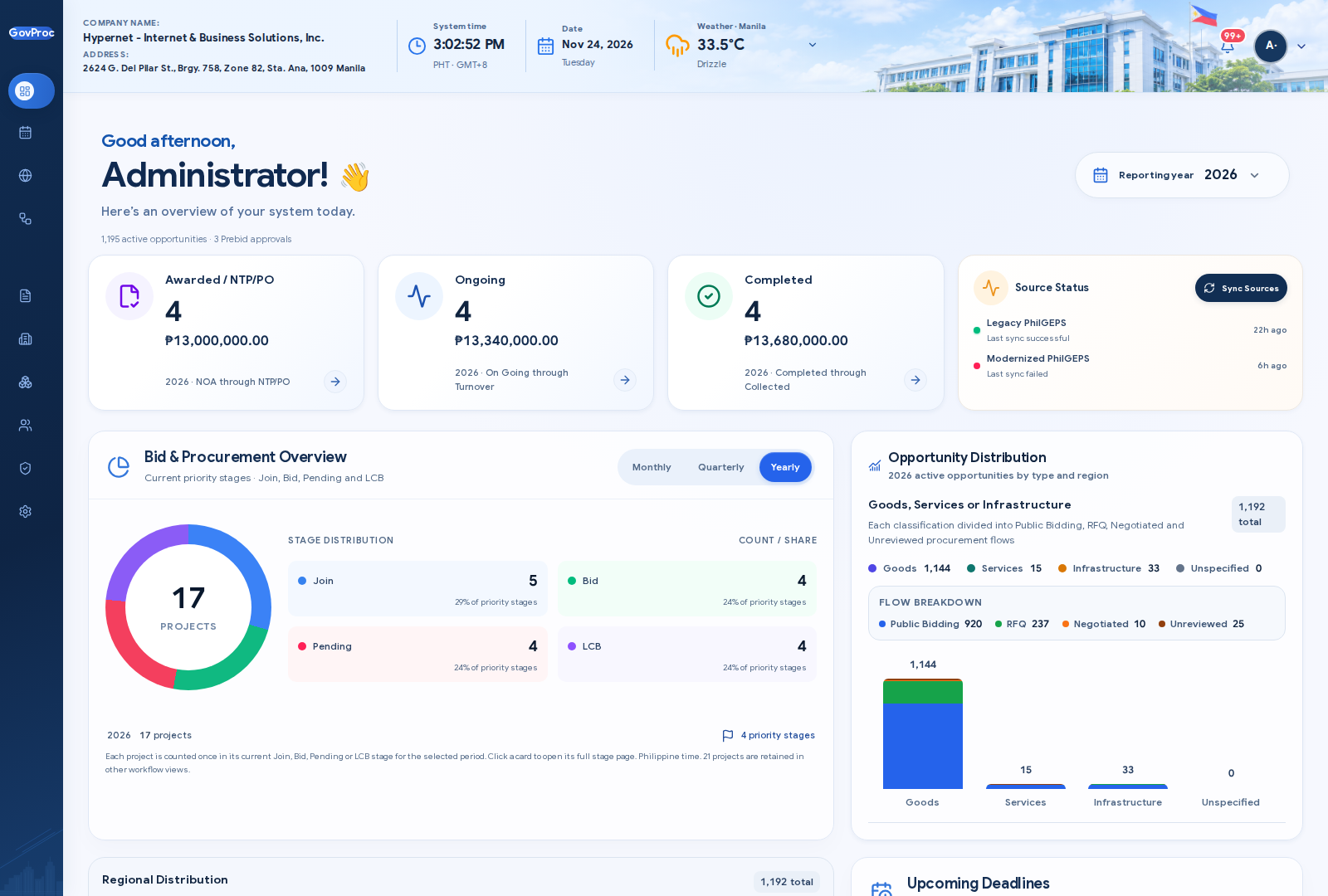
Give each opportunity a clear path, from first review to the next team handoff.
Browse RFQ, public bidding and negotiated opportunities. Review the agency, budget, specifications and source posting.
Search · Filter · EvaluateCoordinate acceptance, organize documents, build your BOM/BOQ and keep the next deadline visible.
Prebid · Join · BidTrack pending decisions and awarded projects, then maintain progress through implementation and completion.
Awarded · Ongoing · CompletedChoose a view below. Open any screenshot for a closer look.
Bring project stages, approved budgets and opportunity distribution into one shared view. Give managers context without asking every team for a separate update.
Actual interface captures with illustrative data. Screens may vary by version and access role.
Monitor Legacy and Modernized PhilGEPS opportunities. Filter by category, region and process, then use suitability scores to prioritize a closer review.
A match score supports evaluation; it does not guarantee eligibility or an award.
See pre-bid conferences, closing deadlines and bid openings as distinct milestones. Keep your active opportunities in view with calendar events and reminders.
SMS reminders depend on your configured service and account settings.
Build components with specifications, brand, model, quantity and pricing. Import a TOR for extraction, review the draft, and export your saved BOM/BOQ to Excel.
Review extracted fields before saving. Details absent from a TOR still need your input.
Keep public bid documents, bulletins, bidder information and team remarks together. Prepare Letters of Intent and maintain reusable technical documents.
Find the supporting information in the context of its opportunity.
Reuse product and vendor information, save BOM items to the catalog, and organize agency and client contacts for future preparation.
Spend less time looking for information your team has already collected.
Give Sales, Technical and Administration access to the modules they need. Review recorded actions and status changes with the responsible user.
Make ownership and handoffs easier to follow across the team.
For suppliers, contractors and service providers who want a more organized way to participate in government procurement.
Find relevant opportunities, review suitability and coordinate the decision to pursue a bid.
Prepare specifications, BOM/BOQ and supporting documents with the project context close at hand.
See project progress, manage module access and review recorded team activity.
GovProc is a business workspace from EnTrePoint by HyperNET. It helps teams organize PhilGEPS opportunities and their own procurement work. Refer to the official posting and its documents for authoritative requirements and submission instructions.
It helps prioritize opportunities using the company’s matching rules. Even a 100% score is not a guarantee of eligibility, compliance or winning the bid. Your team still reviews the requirements.
Yes. Add components manually or import a TOR for extraction, review the specifications and quantities, then save and export to Excel. Missing or uncertain extracted information should be checked against the source document.
Let’s walk through how GovProc can support your team.